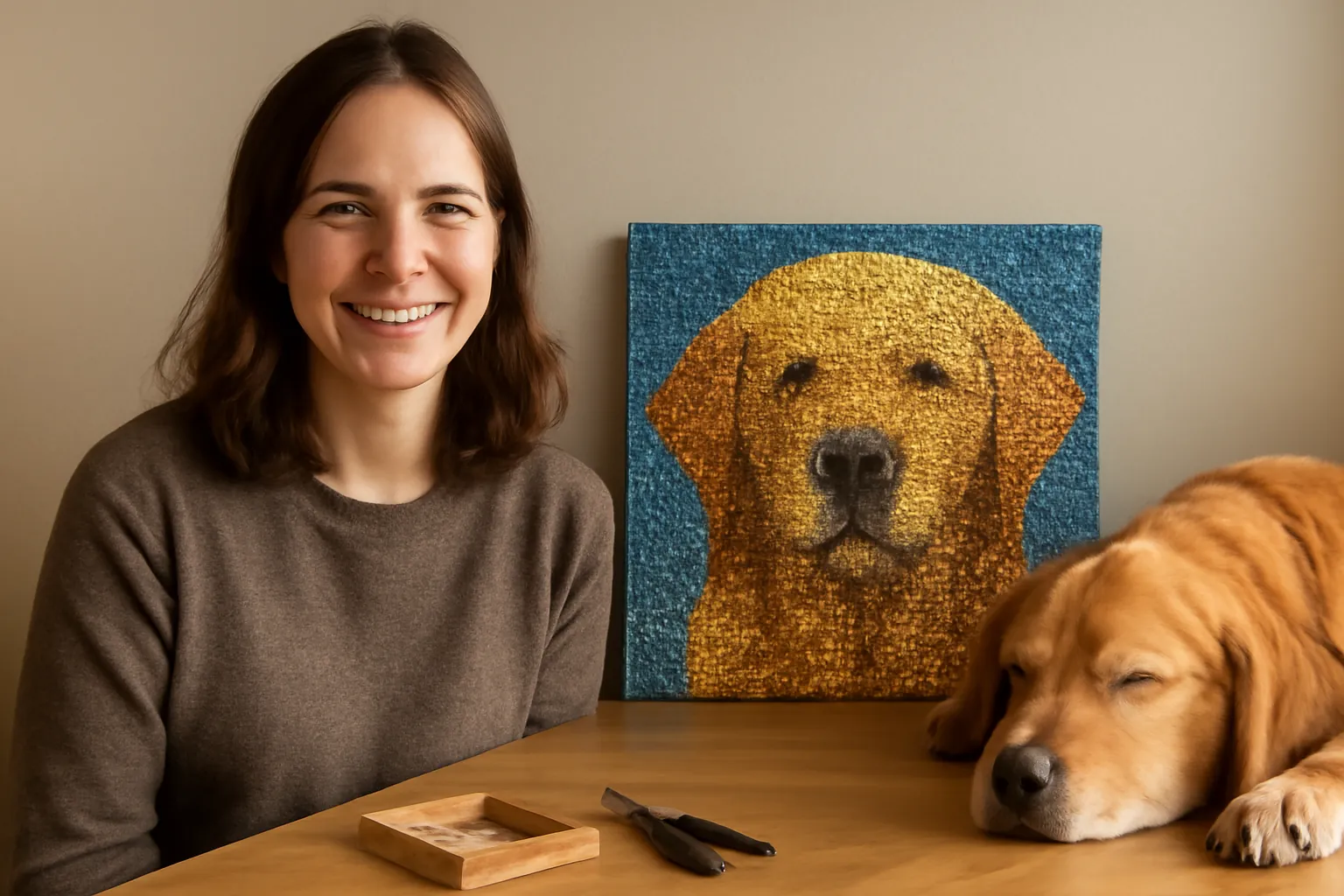
For a free pattern maker that works on any computer or phone, use Stitch Fiddle in your browser: choose its diamond painting chart type, start from a picture, and you get a grid of colored squares with a legend. iPhone and iPad owners have dedicated apps too. The catch is what comes after the chart. You'll need a blank adhesive canvas and loose drills in every color, and you'll be counting squares instead of matching printed symbols. If you only want your photo as a diamond painting, a custom kit does all of that for you.
How we checked these tools
On October 13, 2026 we went through each tool's own page (the App Store listings for the iPhone apps, Stitch Fiddle's chart creator and pricing page, and Pic2Pat's site) and wrote down what's free, what's paid and which devices each one runs on. We didn't build a full pattern in every app, so features are as each developer describes them.
This is a "How we pick" guide based on developer listings and pricing pages. How we research.
The pattern makers compared
| Tool | Runs on | Free? | Photo to pattern | Worth knowing |
|---|---|---|---|---|
| Stitch Fiddle | Any web browser (Windows, Mac, Android, iOS, Chromebook) | Free plan: 15 charts, 50 colors, 300 x 300 grid | Yes ("From picture") | File downloads (PDF, SVG, Excel) are Premium: $5.50 for a month or $33 for a year, no auto-renewal |
| Dotterly | iPhone, iPad, Apple-silicon Mac | Free to try; full version is a one-time in-app purchase | Yes | Lists Diamond Dotz, Artdot and DiamondDrillsUSA drill colors; PDF export; 4.7 stars from 90 ratings |
| DiamondPaintCreator | iPad (also listed for iPhone) | Free download, $2.99 to activate | Yes | DMC colors; prints at actual drill size; 4 sample patterns |
| DiamondCrafts | iPhone | Listed as free, no ads | Yes | Square or round drills in 2.5, 2.8, 3.0 and 1.5 mm; DMC codes and counts. New in 2026 with very few ratings |
| Pic2Pat | Web browser | Free PDF | Yes | Makes cross-stitch charts, not diamond painting; you'd have to adapt it |
Our pick for most people is Stitch Fiddle, because it's the only one that runs on everything. The free plan's 300 x 300 grid covers a 75 x 75 cm canvas of 2.5 mm square drills, which is bigger than most people will tackle. On an iPad, DiamondPaintCreator's $2.99 activation and its print-at-drill-size option make it the cheapest dedicated app. Prices above are as of October 13, 2026, from Stitch Fiddle and the DiamondPaintCreator App Store listing.
What a pattern maker actually does
It shrinks your photo until each pixel is one drill, then snaps every pixel to the nearest color in a drill palette (usually DMC numbers). The result is a grid with a symbol or color per square and a legend that says which drill goes where and how many you need.
Because one pixel is one drill, size decides detail. A 30x40 cm canvas holds a grid of about 120 x 160 square drills at 2.5 mm, roughly 19,200 drills. That's enough for a pet's face, but not for a group photo of eight people. Our diamond painting calculator does the same math for any size.
Making your own pattern, step by step
1. Crop the photo hard
Cut away everything that isn't the subject. Every square of background is a drill you'll place by hand. Strong light and clear contrast convert best; a dim indoor shot turns into muddy browns.
2. Pick the canvas size first
Set the grid to the real canvas: centimeters times 4 gives the square-drill count at 2.5 mm (30 cm is 120 squares). Round drills usually sit on a 2.8 mm grid, so divide by 2.8 instead.
3. Limit the colors
Twenty to forty colors suits a 30x40 cm canvas. Fewer reads cleaner on small canvases; more gives smoother skin and sky but tiny bags of drills you'll have to sort. Stitch Fiddle's free plan stops at 50 colors anyway.
4. Clean up stray squares
Converters leave single odd-colored squares scattered through flat areas. Replacing them with the surrounding color saves you hunting for a bag that holds twelve drills.
5. Export or print at true size
Print at 100% with fit-to-page turned off, then measure one square. If ten squares don't measure 25 mm for square drills, the printer scaled it.
Getting your pattern onto a canvas
A pattern maker gives you a chart, not a sticky canvas. You have three ways forward.
A blank grid canvas, like this OneHippo 30x40 cm canvas with glue (sold in packs of five, 4.5 stars from 783 ratings), has the adhesive and grid but no symbols. You keep the printed chart beside it and count squares, row by row, the way cross-stitchers work. It's slow and very satisfying if you enjoy that. Diamond Dotz also sells an adhesive fabric roll, 48 x 99 cm, that you cut to size.
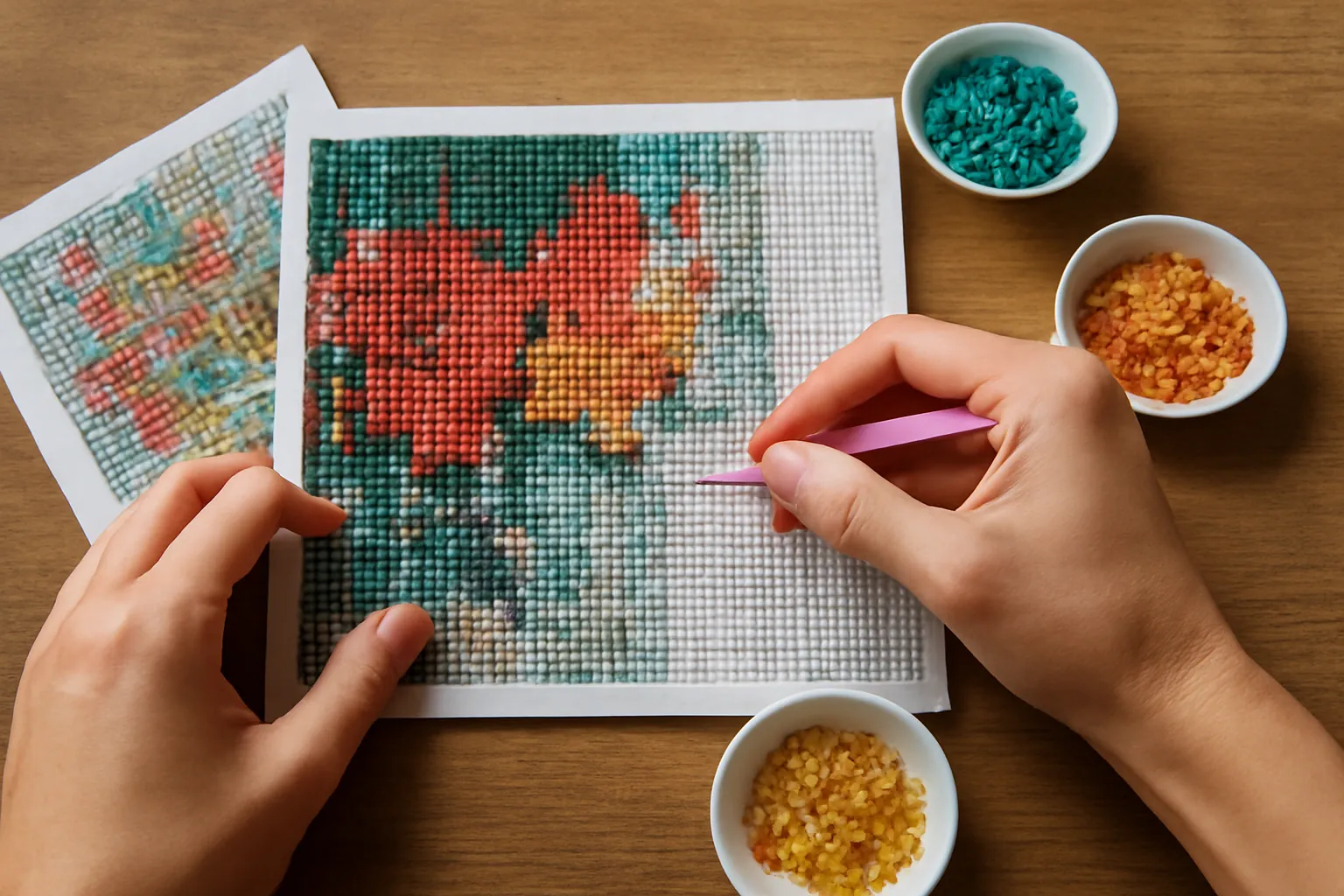
Then buy the drills. Pattern makers list DMC numbers and counts; add about 10% for drops and buy loose drills by those numbers. Our DMC color chart lists the codes, and drills left over from old kits can cover the small colors (see what to do with leftover drills).
The third option skips the DIY entirely. Upload the photo to a custom kit seller and they print a symbol canvas and ship the drills sorted. The Mougins custom kit, with 6,634 ratings, is a full drill round kit from your photo.
Make the pattern or order a custom kit?
| If you... | Do this |
|---|---|
| Just want your photo as a diamond painting | Order a custom kit |
| Want to design something original (a monogram, pixel art or a quilt-style pattern) | Pattern maker plus blank canvas |
| Have a big stash of leftover drills | Pattern maker, limited to the colors you own |
| Want to test how a photo will look before paying for a custom kit | Run it through a free pattern maker first |
| Find counting squares stressful | Custom kit, every time |
That fourth row is the most underrated use of a free pattern maker: preview your photo at 30x40 cm before you order. If the face turns to mush at 120 squares wide, size up or pick a closer crop. Once you're working, a project log helps you track which colors and rows are done.
Tool features, platforms and prices come from each developer's page (Apple App Store listings, Stitch Fiddle's pricing page, Pic2Pat) and a third-party write-up of DiamondCrafts on mwm.ai, all checked October 13, 2026. Amazon details from listings checked the same day. How we research · Affiliate disclosure